
APPLE PAY CARDING METHOD NFC QUICK CASHOUT
I’ll demonstrate the Apple Pay carding approach for you today:
There are carders among you who lack access to a computer: We can provide you with the solution:
Using Apple Pay on an iPhone is a fairly simple process.
Don’t worry, Android users: click this link to use the Google Play carding procedure.
You may easily attach a card to your Apple Wallet and use it for both NFC payments in stores and the Apple Pay method. You can use this tap-and-pay carding approach as long as the Apple Wallet accepts the card.
Locate a store in the same state as the card billing address if you want to utilise NFC.
Requirements:
- iPhone – This is a Iphone method
- Non vbv cc – Buy NonVbv CC from worlddumps.com for this method.
- Fullz – The non vbv cc should be fullz To avoid verification, use Fullz with all personal info (how to buy fullz on worlddumps.com)
- Proxy set-up. Make sure billing address is matching the ip location of your proxy
- Apple pay carding method – keep on reading
- NFC – If you plan to use NFC in store, make sure your phone can support it
For easy carding, always use a card with all fullz info, as it saves you time to get background info. For this guide, we just need cc info, address and full names as long as the card is nonvbv
Site: apple.com
Apple pay carding method Video
Contact our support for Video
Steps:
Register and Buy Fullz from Worlddumps.com
Buy a card from worlddumps, the steps to do so is simple, type fullz on the search button or goto shop and find the fullz category, select the fullz you need add to cart and check out. check your email for the fullz you jjust bought.
All cards are live and A balance checker is available so make sure you use it. Will help in making orders and make sure your card can hold the order amount for the 2023 apple pay cashout method.
No access to proxies? use Vpn
Since its hard to set proxies on phone. A good second option most carders go with is the Express Vpn. You can download from play store and register. IF you need license, ask for admin easily from our cracked accounts. Just make sure you can change the location and time to match the billing or your fullz, this is required for the apple pay carding method.
Set Up Apple Pay on iPhone & start
Open your device’s “Settings” app and select the “Wallet & Apple Pay” menu
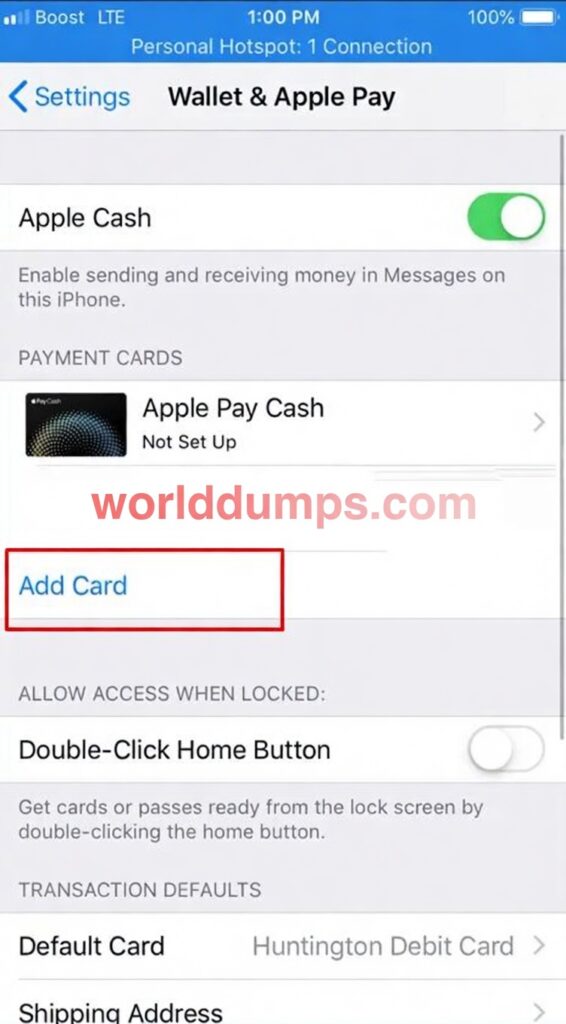
Then Tap add Card
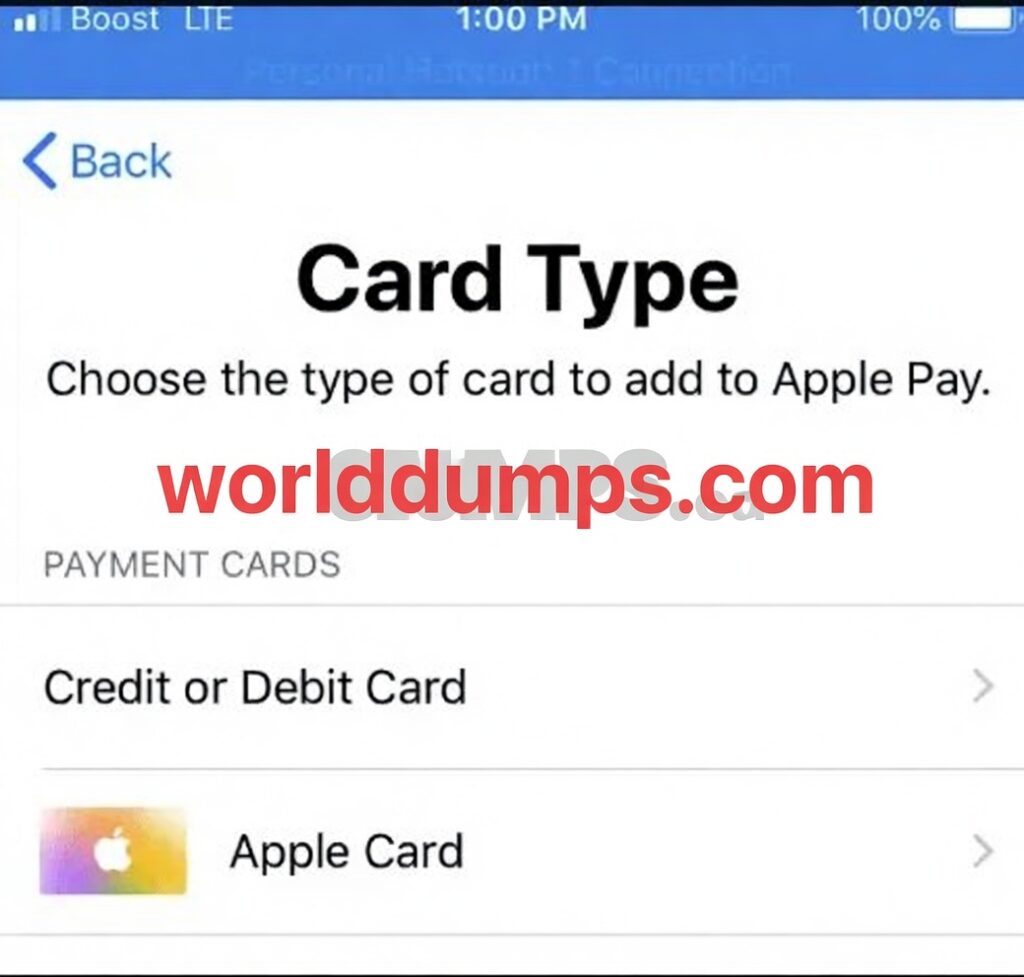
Tap “Continue” on the introduction page
Select the type of payment card you’d like to add.
Here you will add your fullz and link to apple wallet
You Can add a credit card by holding the phone over the card, letting the iPhone automatically read the number off the front of the card, We will skip this option since we are using a worlddumps card and not a plastic one.
Enter your fullz information manually by tapping “Next” and “Back” to toggle between entering your name and card number or expiration date and security code
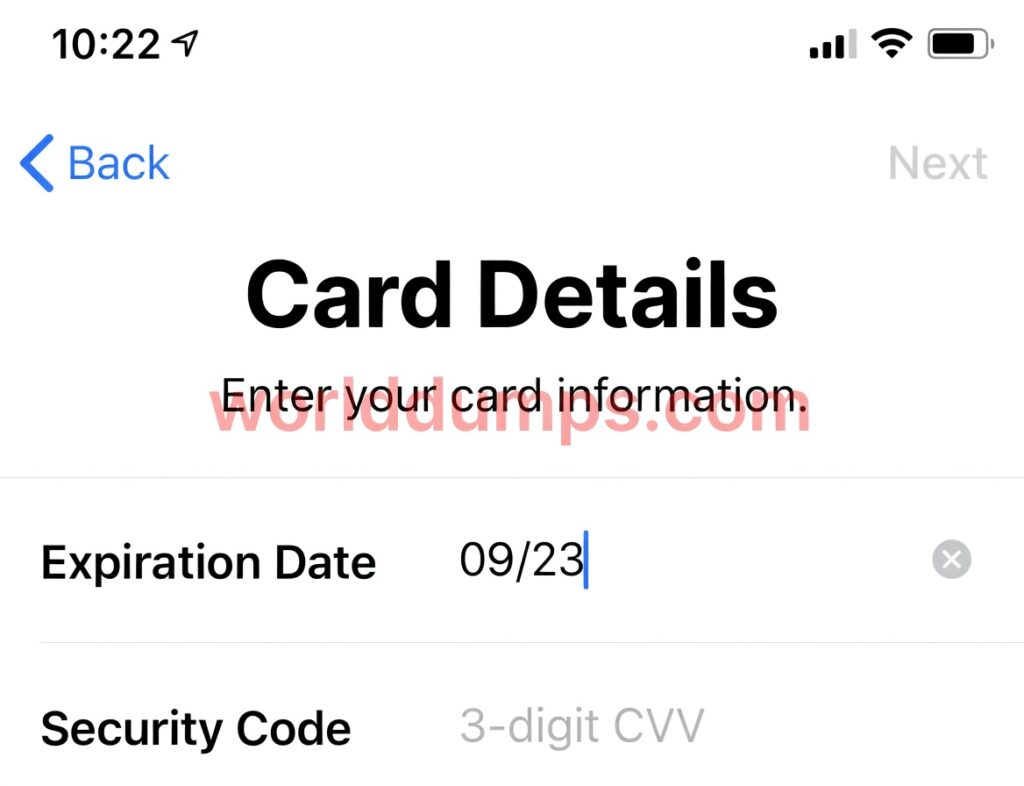
You should see the Terms and Conditions page. Review the information and tap “Agree.”
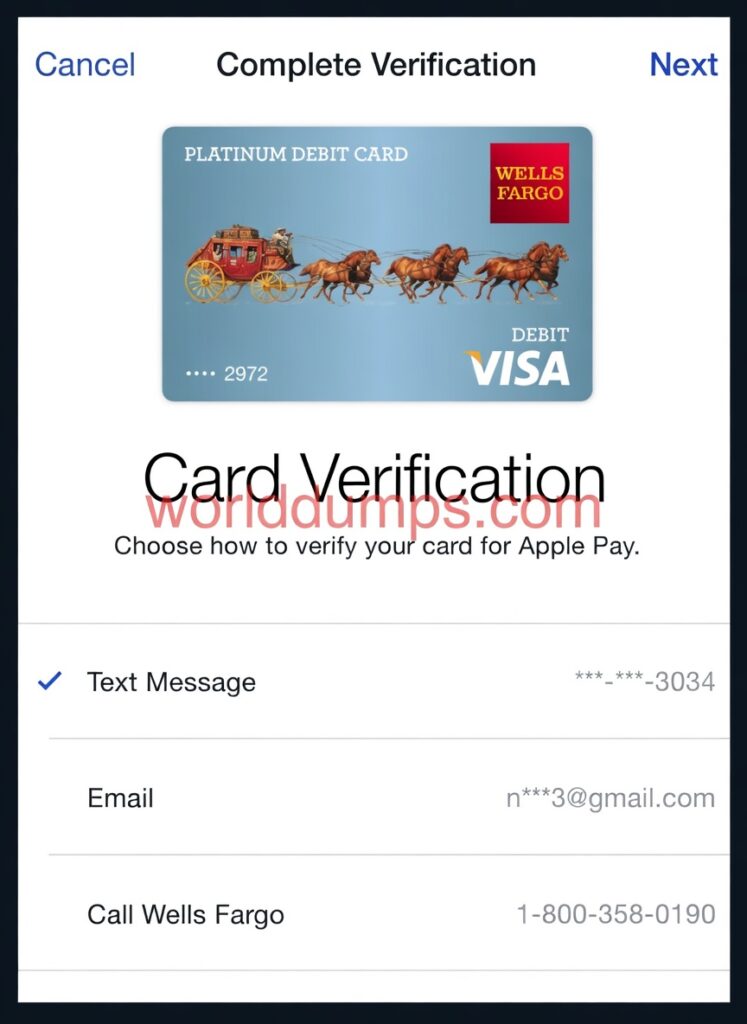
No Verification apple pay bins
Your iPhone will attempt to confirm the card with your card company and add it to the Wallet. For NonVbv cards, this happens automatically, though for secure cards, you will need to enter a verification code or otherwise communicate with your card company which in our case it would make our carding a failure
On the right is a secured card which we cannot link. So make sure you choose a nonvbv on worlddumps site
Now we have a linked card, we now can make purchases. We can use the card online on websites that support apple pay or NFC stores, you are almost finished with the apple pay carding method
How to pay
Start the Settings app and tap “Wallet & Apple Pay.”
Tap “Default Card” and choose the card you want to use.
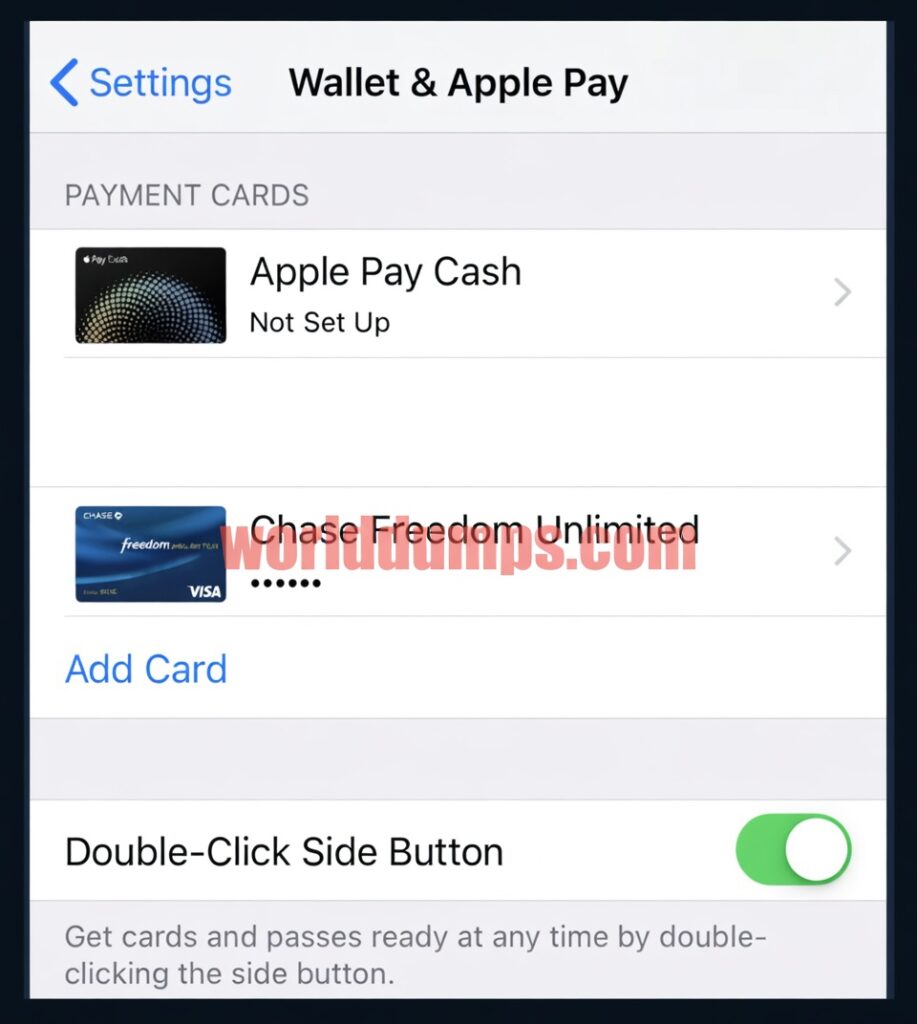
When you’re ready to pay, activate Apple Pay. On an iPhone without a home button, you do this by quickly double-clicking the side button. The Wallet screen will appear and scan your Face ID.
On an iPhone with a home button, rest your finger on the home button until the Wallet screen appears
On an iPhone with a home button, rest your finger on the home button until the Wallet screen appears
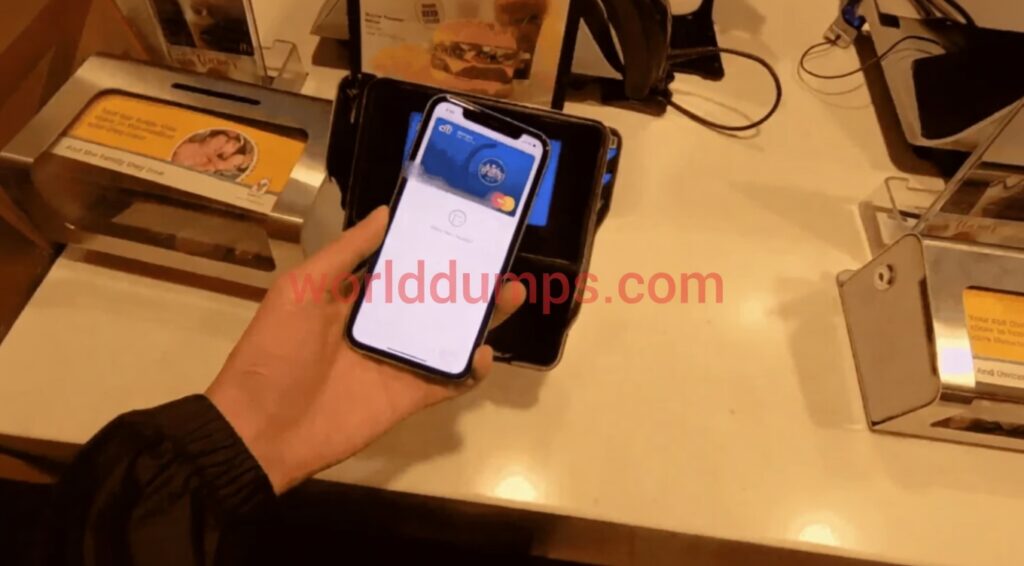
Hold the iPhone directly over the point of sale terminal. You might need to look for the Apple Pay or wireless symbol so you know where to position the phone. If in doubt, you can ask the cashier where to position it.
this was the apple carding method, check out cardable-websites for the latest carding methods, this list is updated daily.
Contact if you have any questions